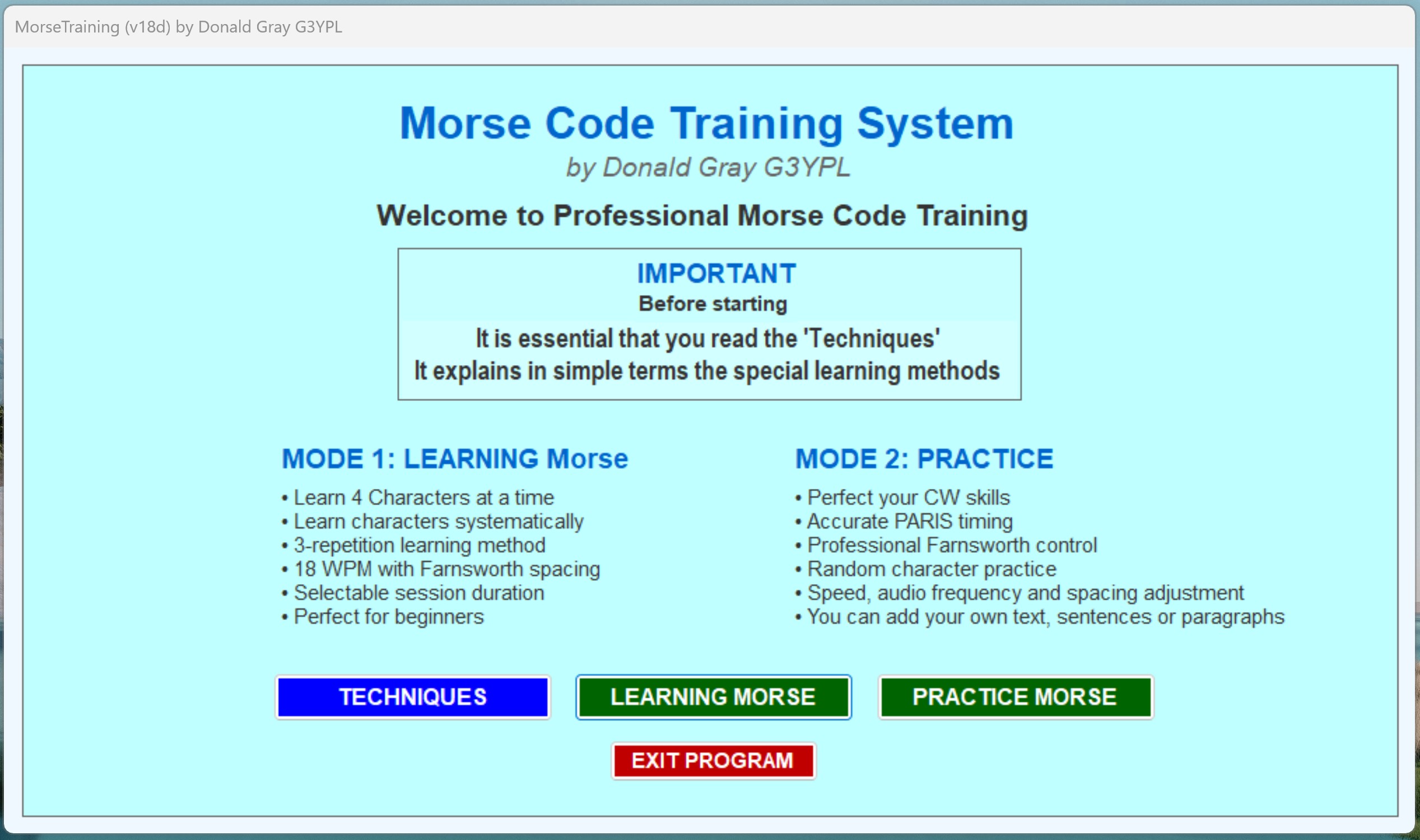
Image shows the front page displayed when the program first starts
Before clicking the Learning or Practice buttons, it is VITAL that the TECHNIQUES button is pressed FIRST.
The 4 sections must be read and understood.
There are four pages detailing the correct methods of learning and using the appropriate settings etc.
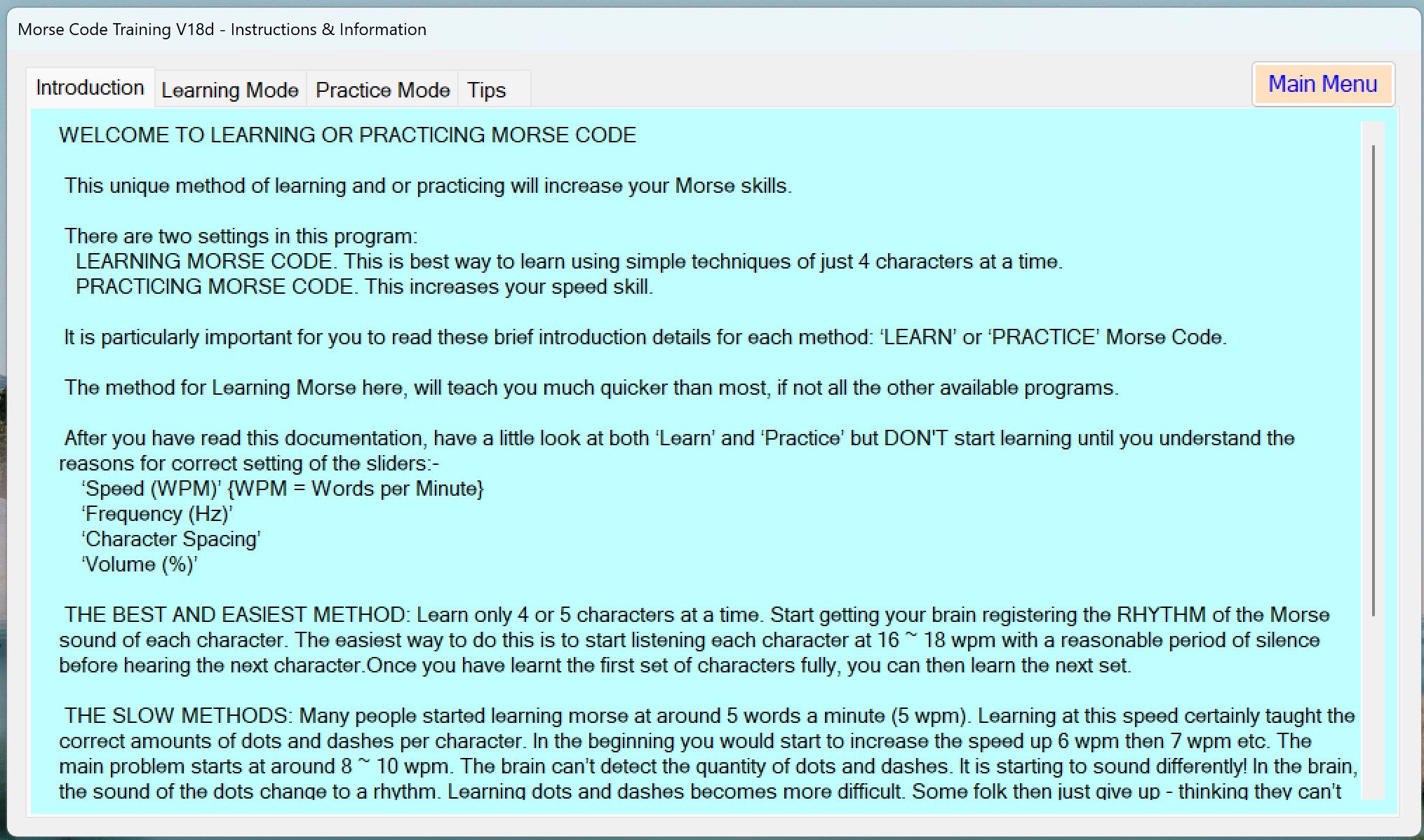
The image below is a portion the 'Introduction' info.
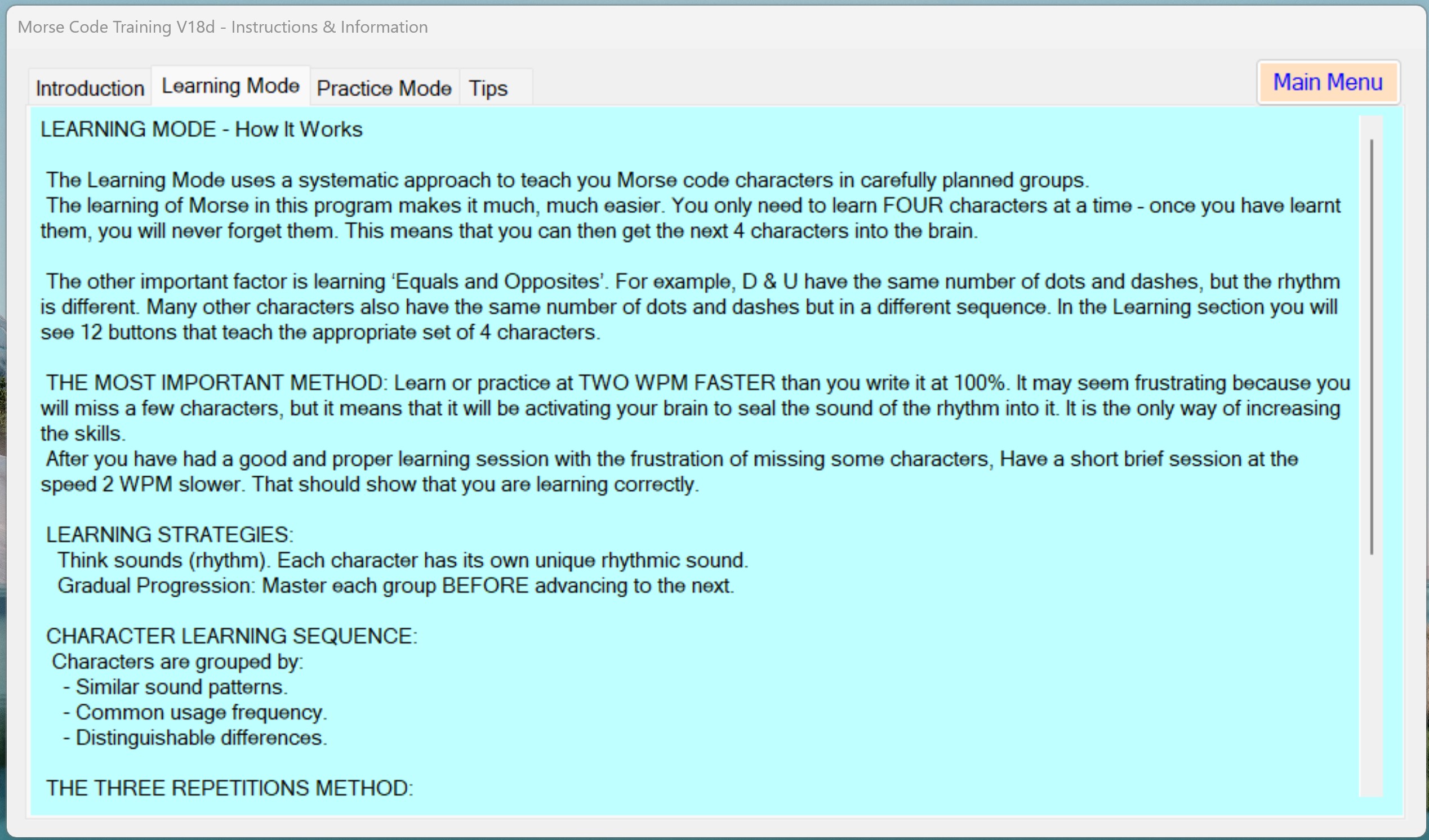
This shows a portion of the 'Learning Mode' techniques involved in learning Morse in the best and quickest way.
A portion of the Practice mode.
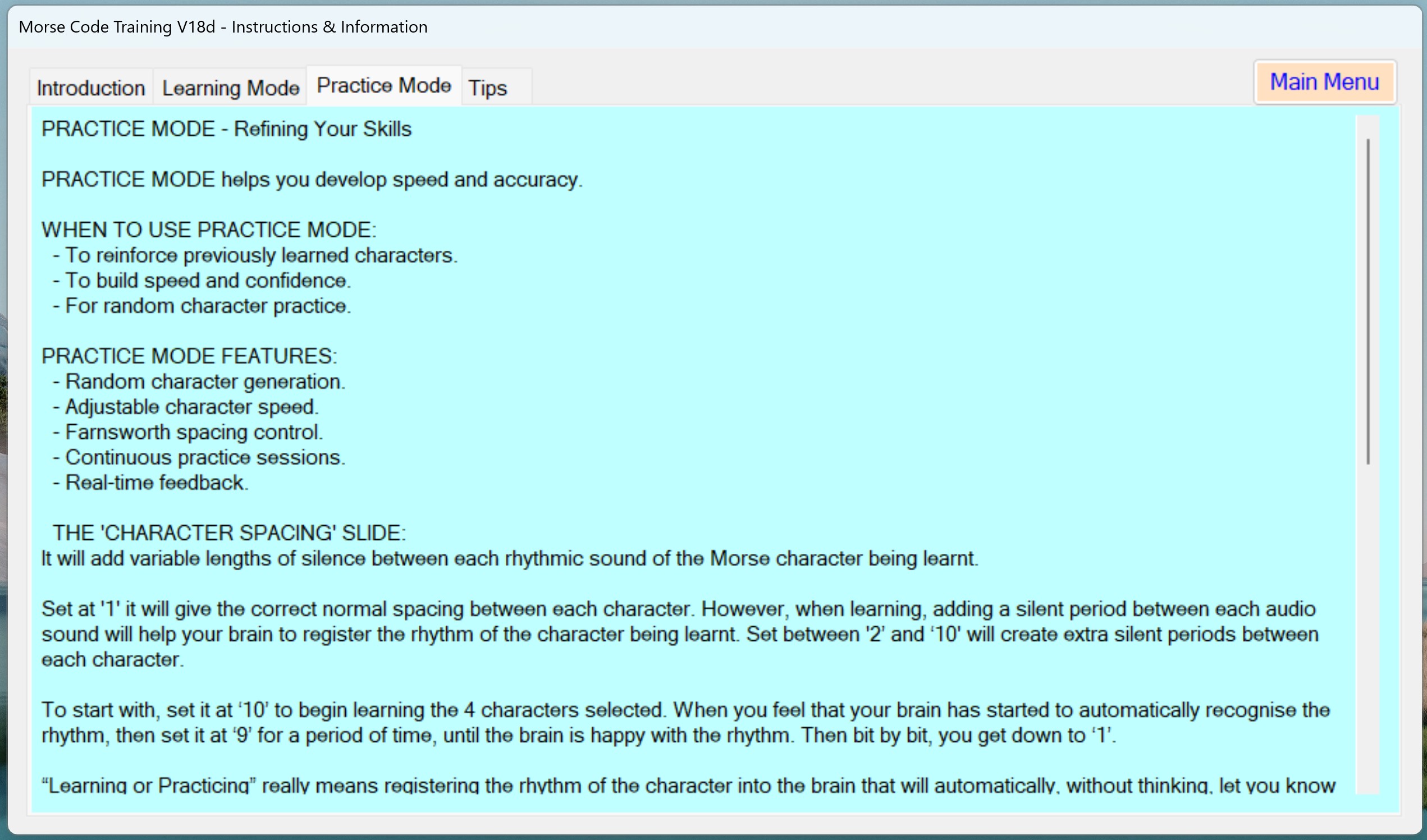
Some of the TIP's to help and assist your quick learning. You can download and print the complete TECHNIQUE pdf file that has all the techniques needed.
Click to download 'TECHNIQUES File': Techniques For Learning or Practicing Morse.pdf
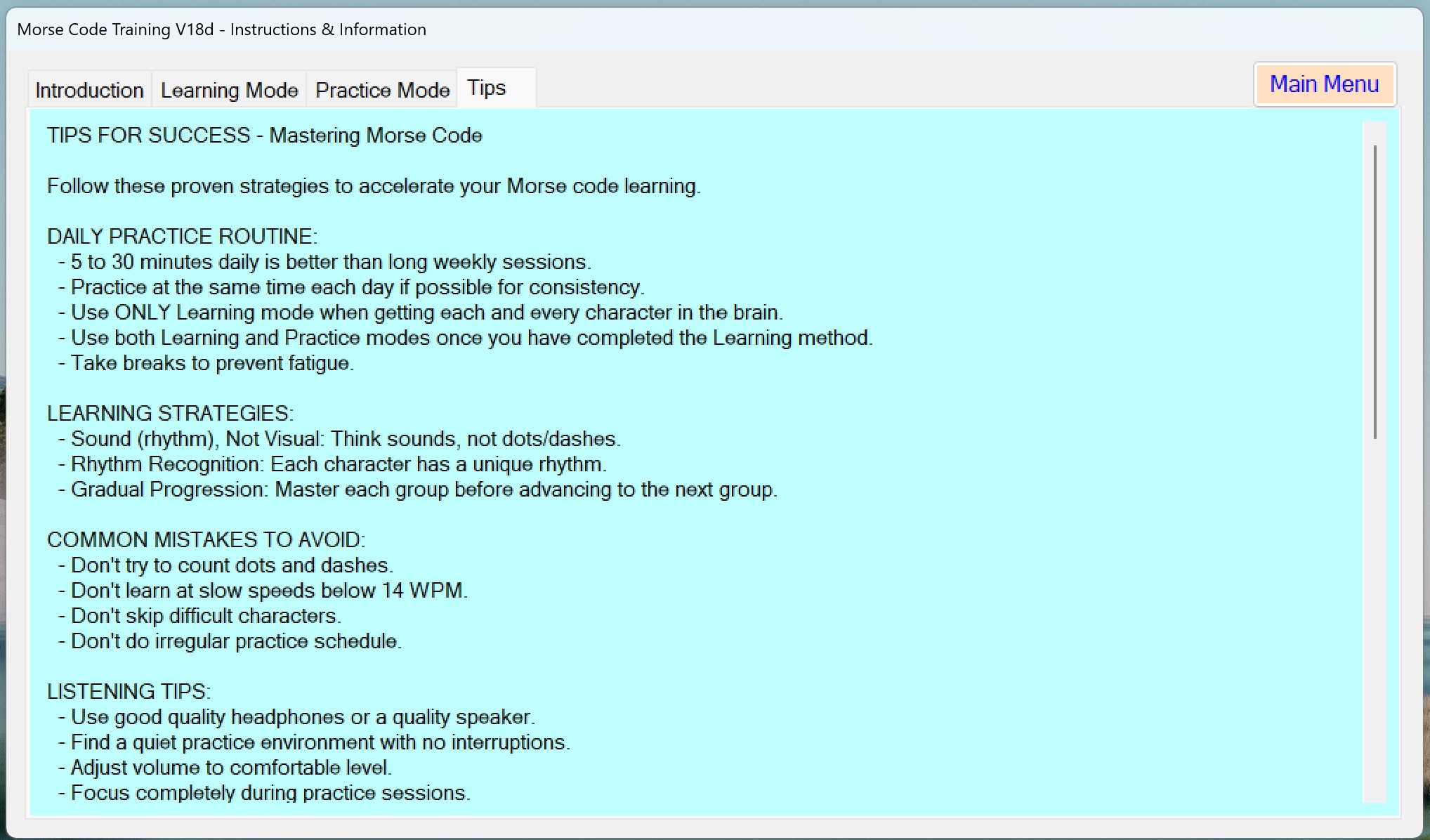
Learning Morse is very easy by only learning 4 charaters at a time - once learnt to the appropiate speed quckly, the next 4 characters can be learnt...
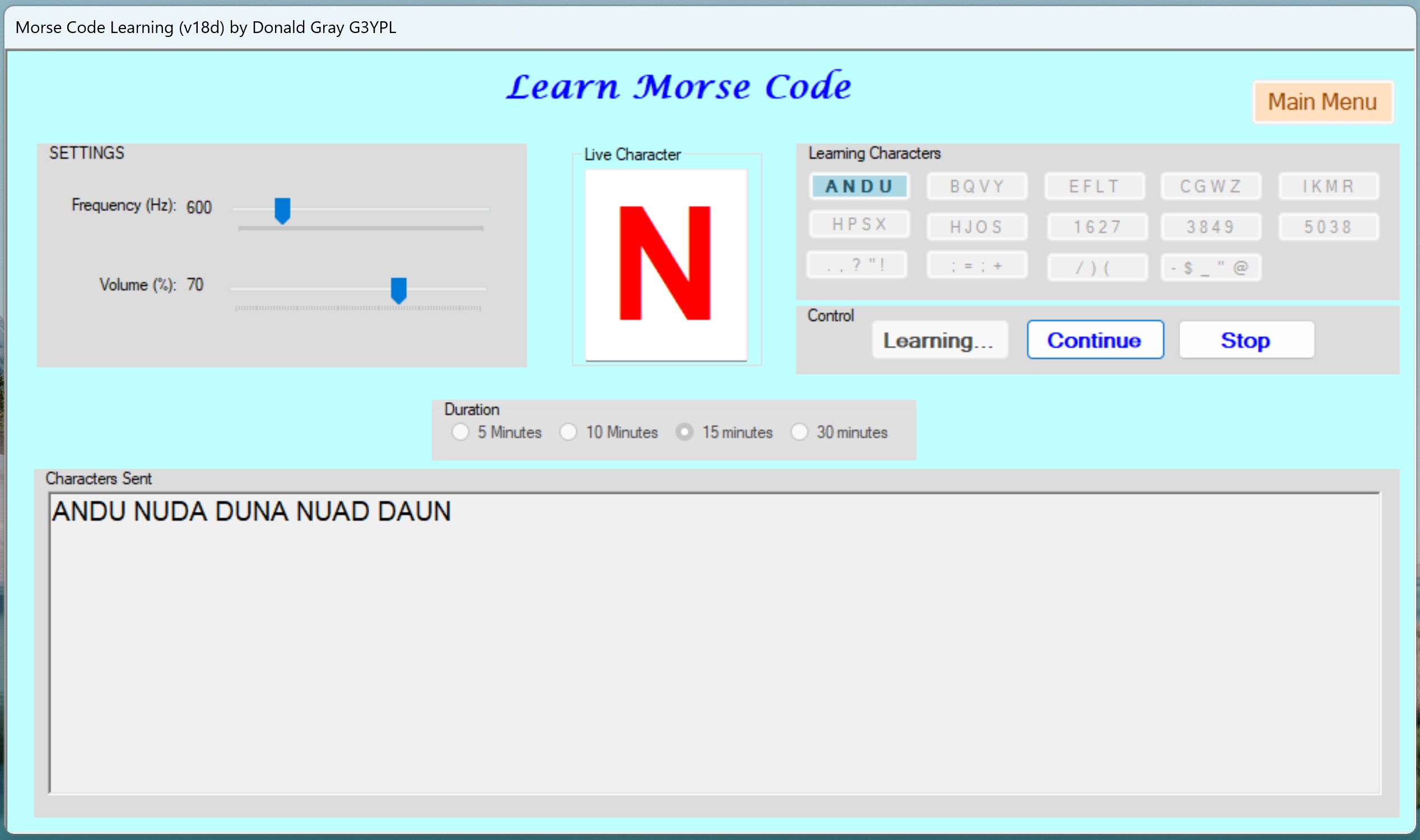
Practice Morse. (and advanced learning of speed)
This can help you to get up to any speed you wish from 16 to 30 WPM (Words Per Minute) The 'Character Spacing' slide creates a silent delay between each character sent. This is one of the vital methods of allowing you to get to the speed you wish to have.
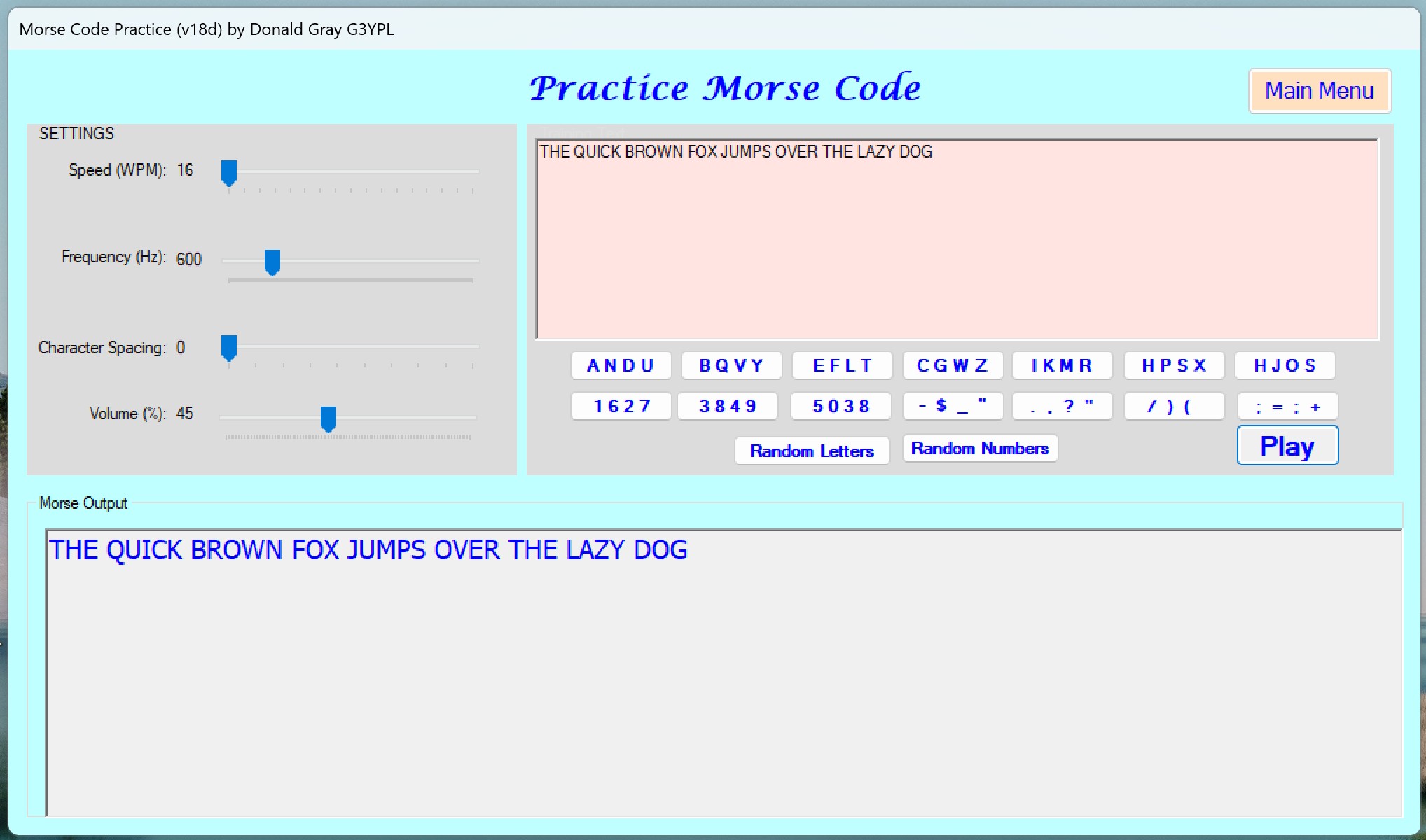
Morse practice.
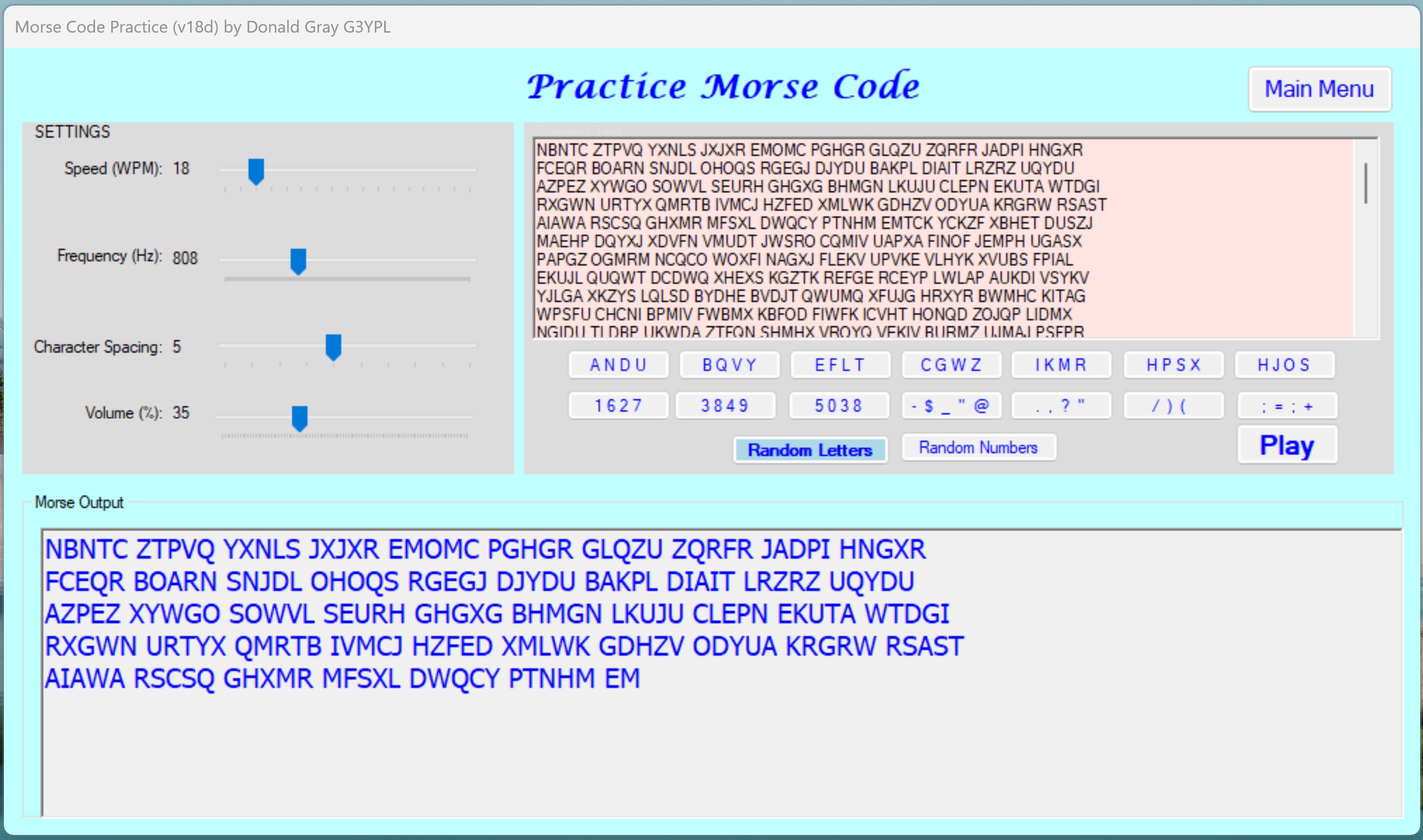
This shows the practice at 18wpm with a longer silence between character
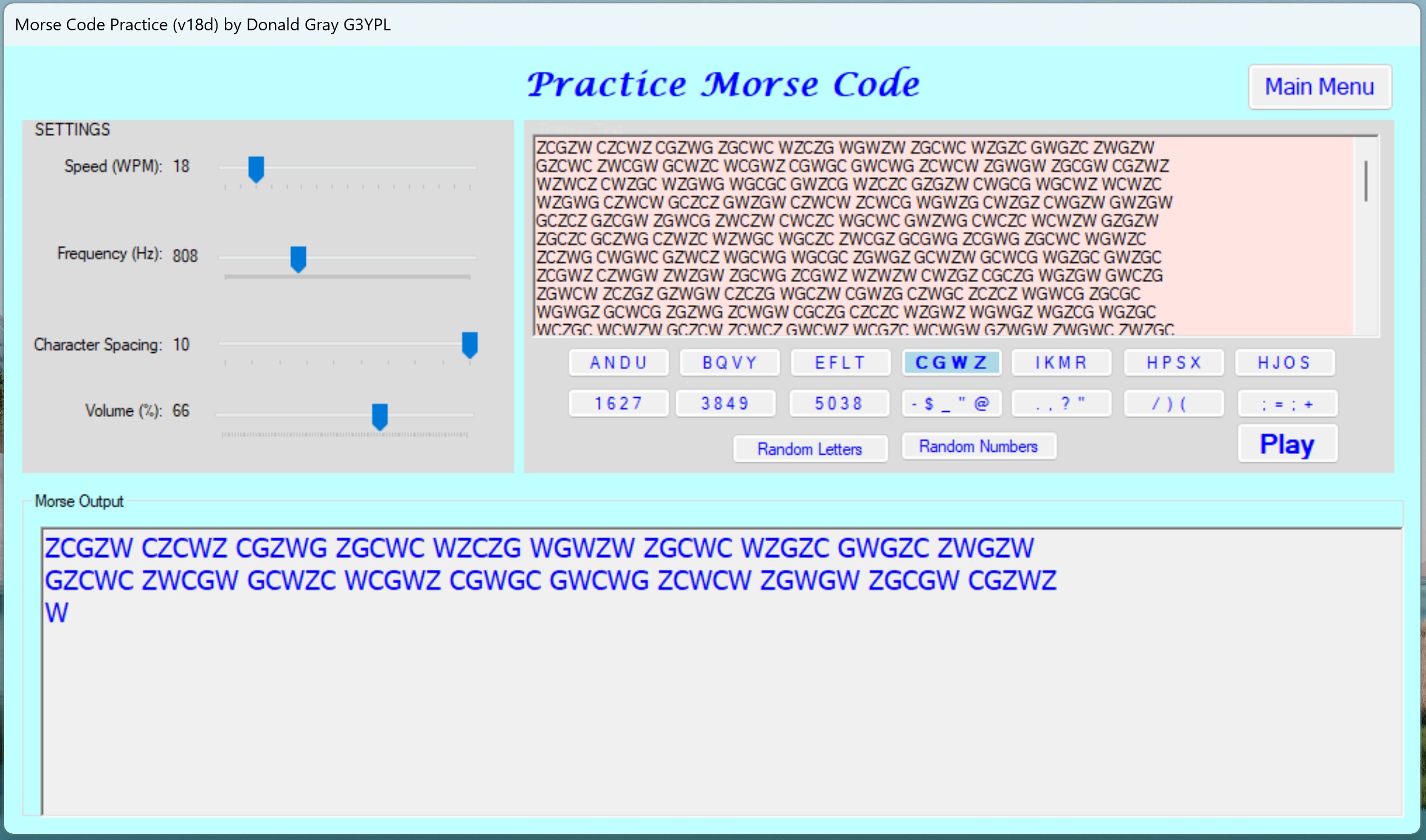
Practice Morse.
You can add any text that you wish to Practice with.
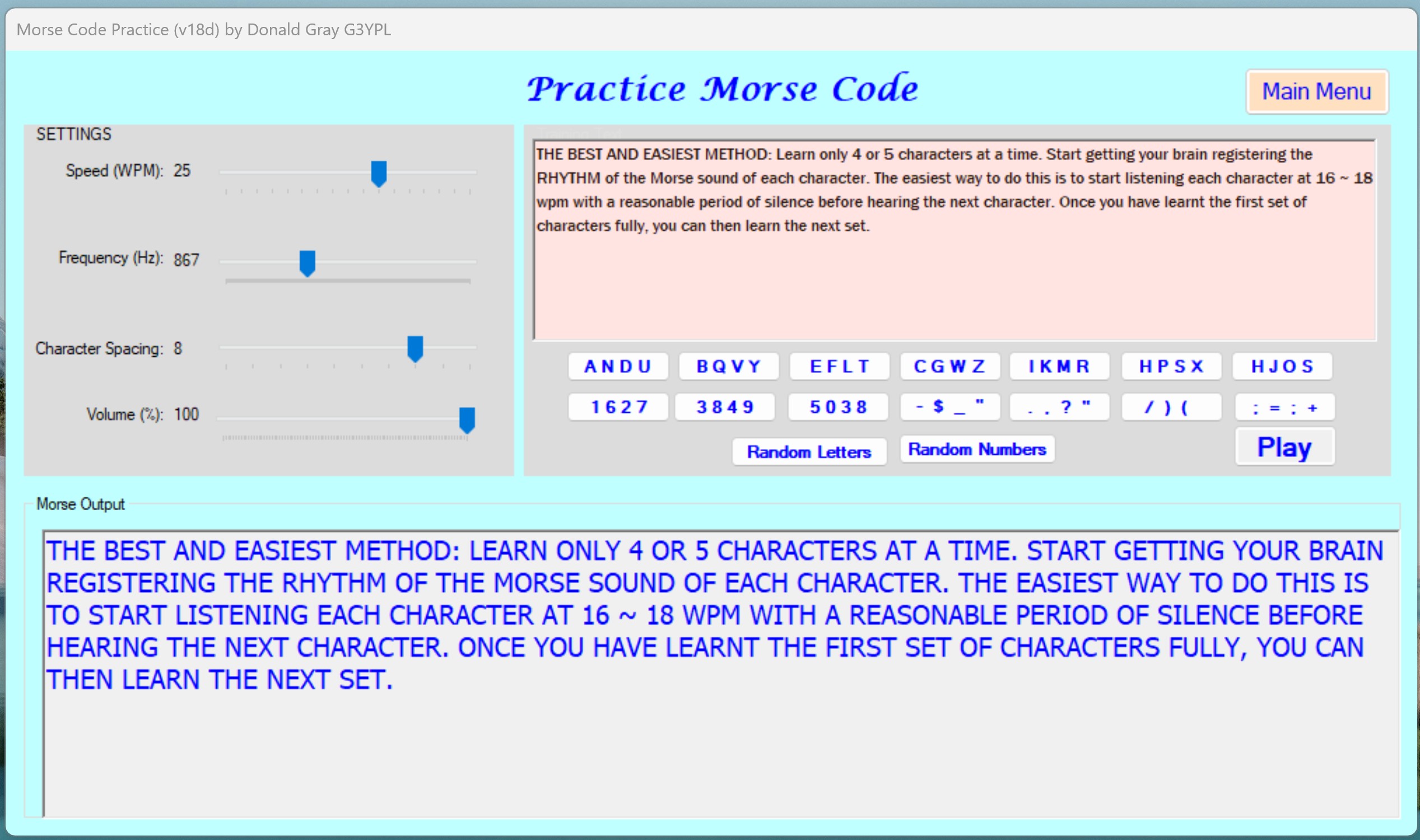
Practice Morse.
Once you are happy that you have learnt all characters, using the 'Random Letters/Numbers' button